Reviews
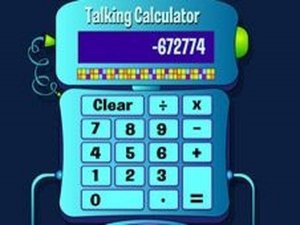
Talking Calculator provides a straightforward and engaging way for children to practice basic math. The robot voice feedback is clear and encouraging, helping to reinforce each step of a calculation. The interface is clean and easy to navigate, with large buttons that are perfect for small hands. There are no distractions like timers or scores, so kids can learn at their own pace. This game is excellent for building foundational arithmetic skills and can be used repeatedly without losing its appeal.
Description
Game Introduction:
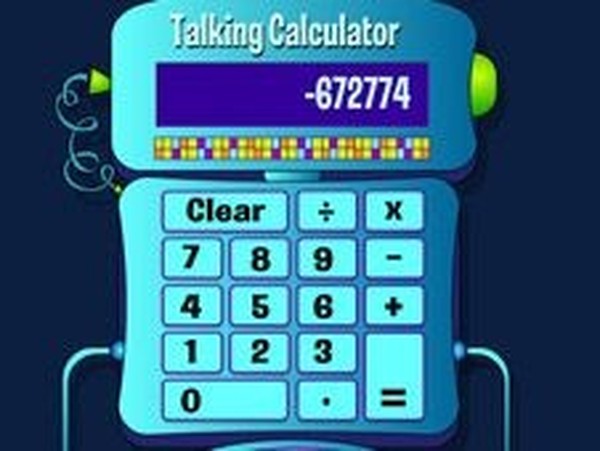
Talking Calculator is a delightful online game that turns math practice into an engaging experience. Designed for all ages, especially kids, this interactive calculator lets you click on numbers and mathematical operations with your mouse. Each click triggers a friendly robot voice that speaks the number or operation aloud, making learning fun and auditory. Whether you are adding, subtracting, multiplying, or dividing, this tool helps reinforce math skills through repetition and play. The simple interface includes a Clear button to start fresh calculations. It is perfect for building confidence in basic arithmetic while enjoying the cheerful robot companion. No downloads or registration are needed. Just open the page and start calculating.How to Play:
Using your mouse, click on any number buttons to enter digits. Then select a mathematical operation such as addition, subtraction, multiplication, or division. Continue clicking numbers to complete your equation. When ready, click the equals button to see the result. The robot calculator will speak each number and operation aloud, providing clear audio feedback. To begin a new calculation, simply press the Clear button. That is all there is to it. You can play as long as you like, practicing different math problems. The game is intuitive and requires no instructions, making it ideal for young learners.Game Features:
Interactive robot voice feedback for numbers and operations. Simple and clean interface with large buttons for easy clicking. Clear button to reset calculations instantly. No time limits or scores, allowing stress-free practice. Works directly in the browser without any downloads or registration.Why You Will Like It: Talking Calculator offers a fun, safe way to practice math. The robot voice adds a layer of enjoyment that keeps children engaged while they improve their calculation skills.
Compatibility
💻 Desktop | 📱 Mobile | 📟 Tablet – All supported · Best with Chrome or Safari